
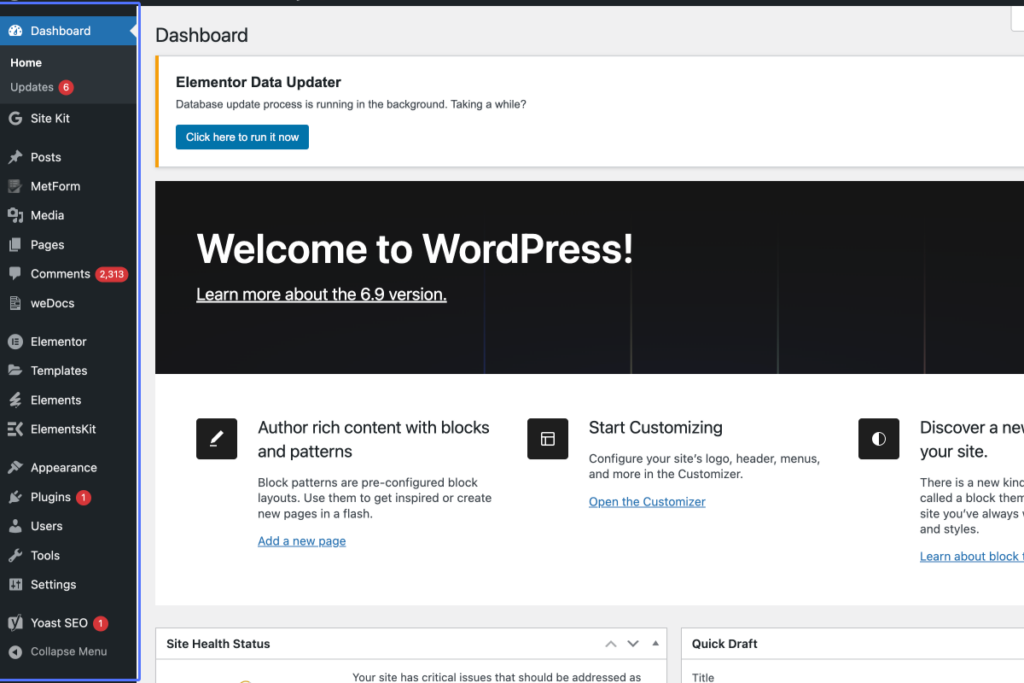
Click on “Dashboard Home Updates 6 Site Kit Dashboard Settings Posts All Posts Add Post Categories Tags Me…”
Start urlhttps://starsprolifecoaching.com/wp-admin/index.php
Tab Name: Dashboard ‹ starsprolife — WordPress
2
Click on the link “MetForm”

3
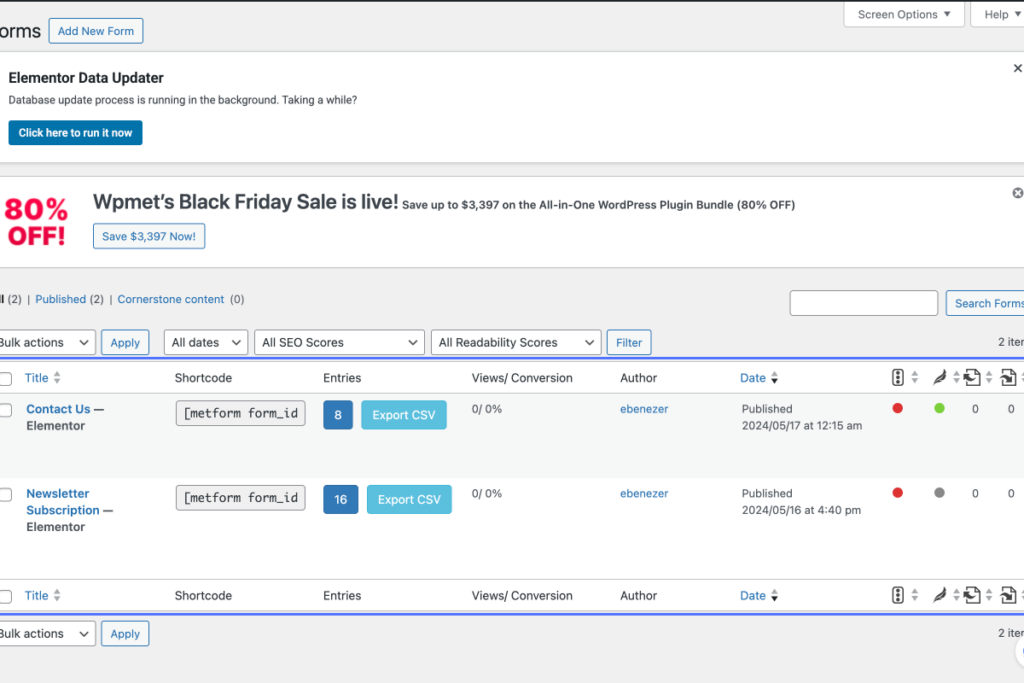
Click on “Table ordered by Date. Descending. Select All Title Sort ascending. Shortcode Entries Views/ Conv…”
Tab Name: Forms ‹ starsprolife — WordPress
4
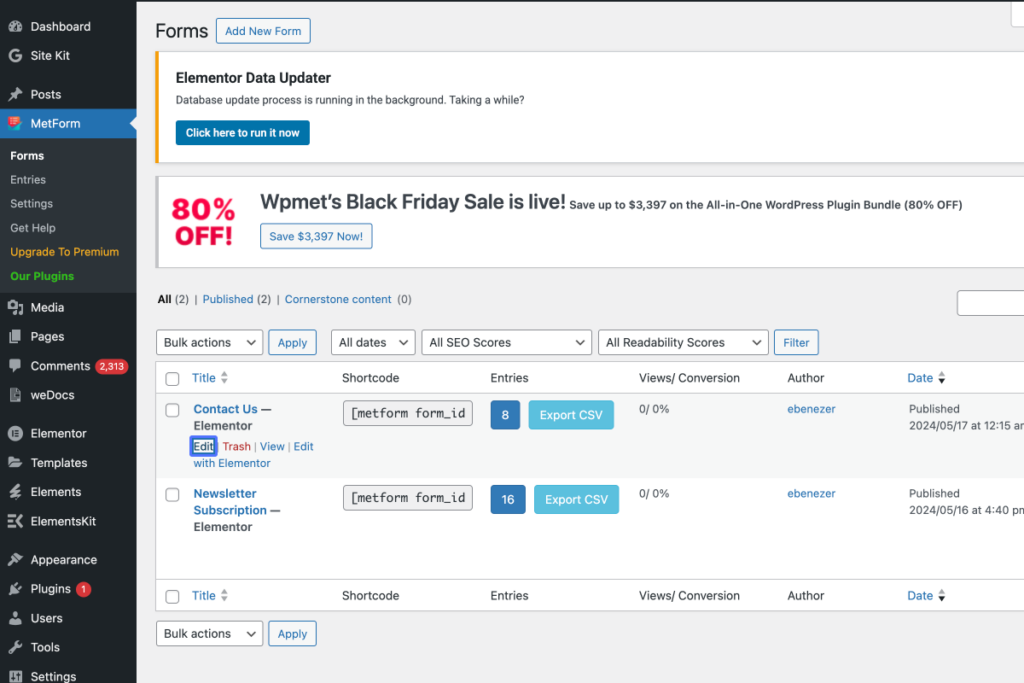
Click on the link “Edit”
5
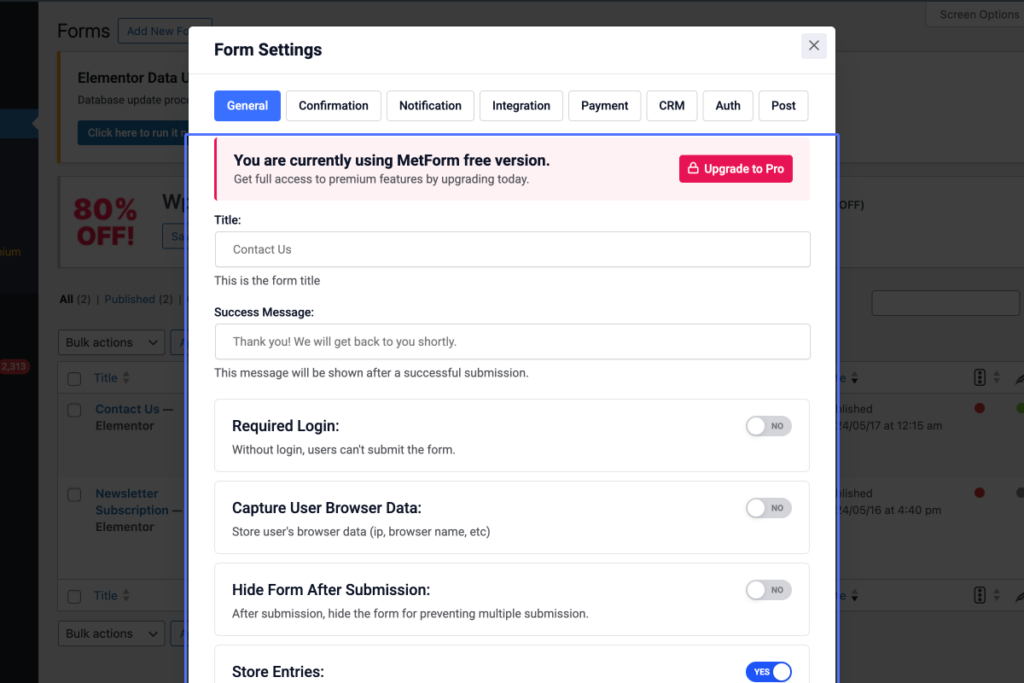
Click on “You are currently using MetForm free version. Get full access to premium features by upgrading toda…”
6
Click on the link “Confirmation”
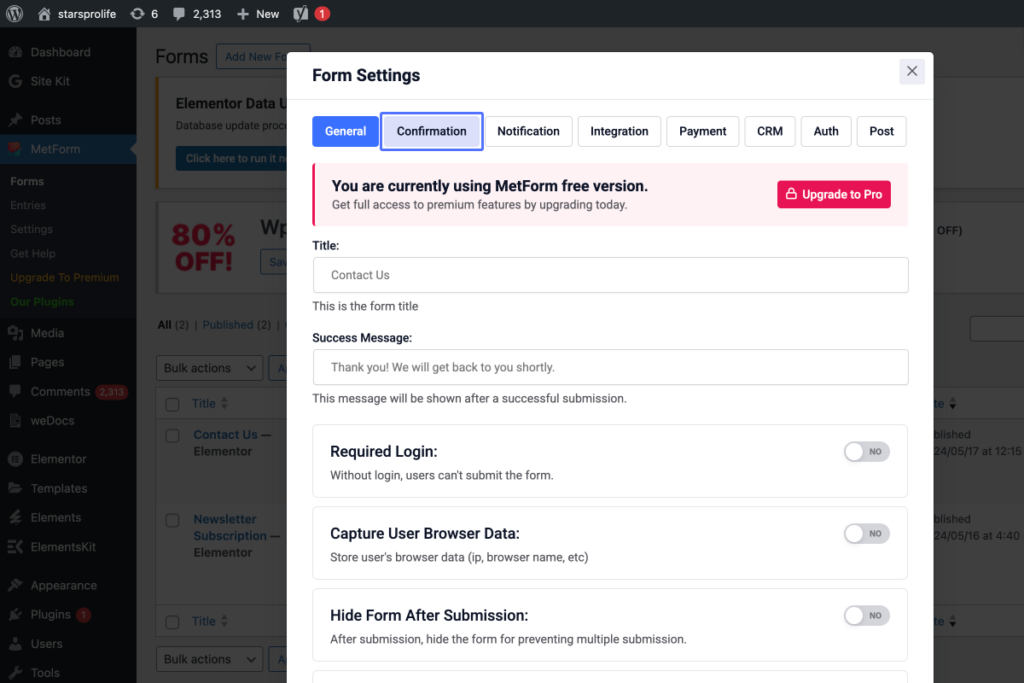
7
Click on the link “Notification”
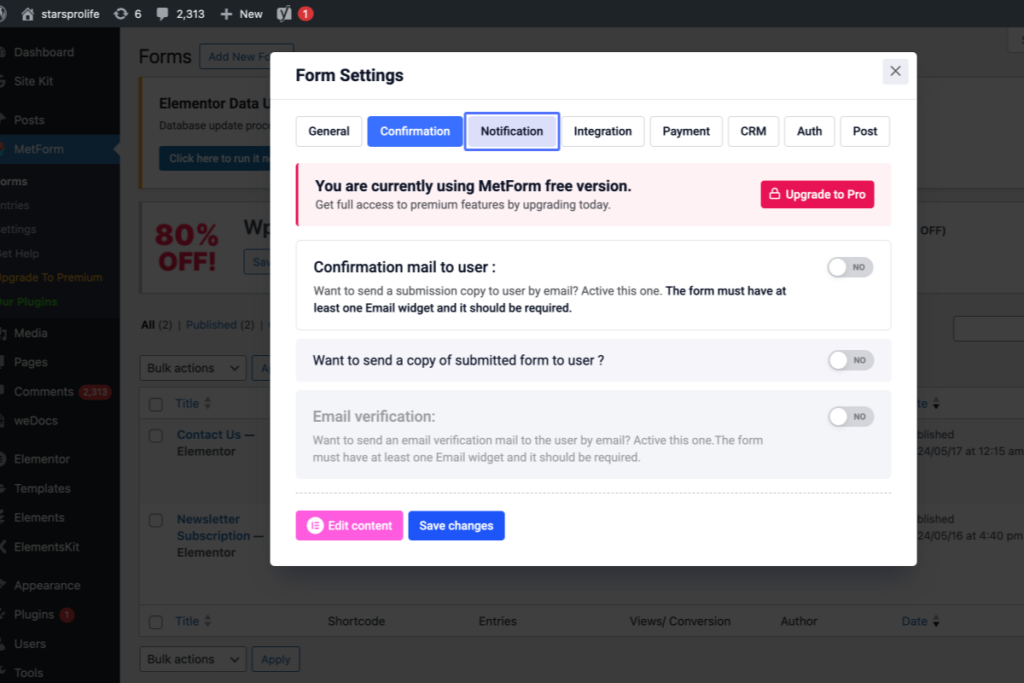
8
Click on “Notification mail to admin : Want to send a submission copy to admin by email? Active this one. Emai…”
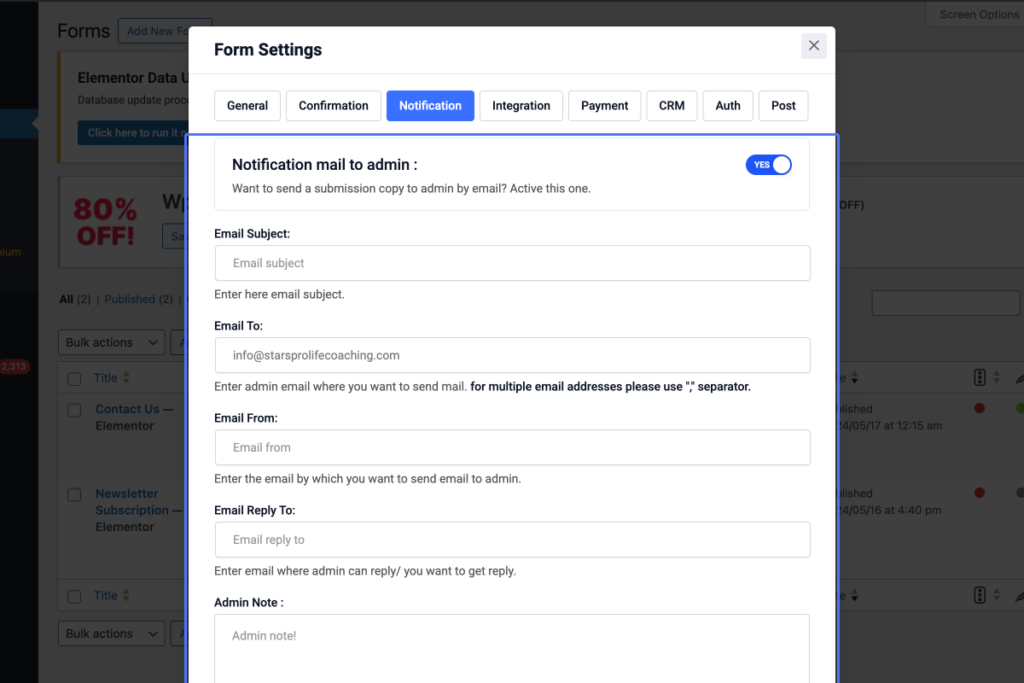
9
Click on “Edit content Save changes”

